Theme Plantilla Blogy-Styleicious Blogger Templates
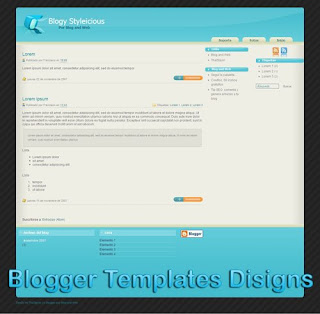
How to upload Blogger Templates Designs
- Download your Blogger XML template from http://blogger-templates-designs.blogspot.com.
- The template is contained in a zip file (winzip, winrar), ensure you have extracted the XML template.
- Log in to your Blogger dashboard and go to Layout > Edit HTML
- Ensure you back up your old template in case you decide to use it again. To do this, click on the "download full template" link and save the file to your hard drive.
- Look for the section near the top where you can browse for your XML template:
- Enter the location of your template and press "upload".
- The HTML of your new template will now appear in the box below. You can preview your template or simply save to start using it!
- Enjoy!
Theme Plantilla Blogy-Styleicious Blogger Templates
Theme Plantilla Blogy-Styleicious Blogger Templates
Read More...


